Translate
Where: Menu → Teach → Translate
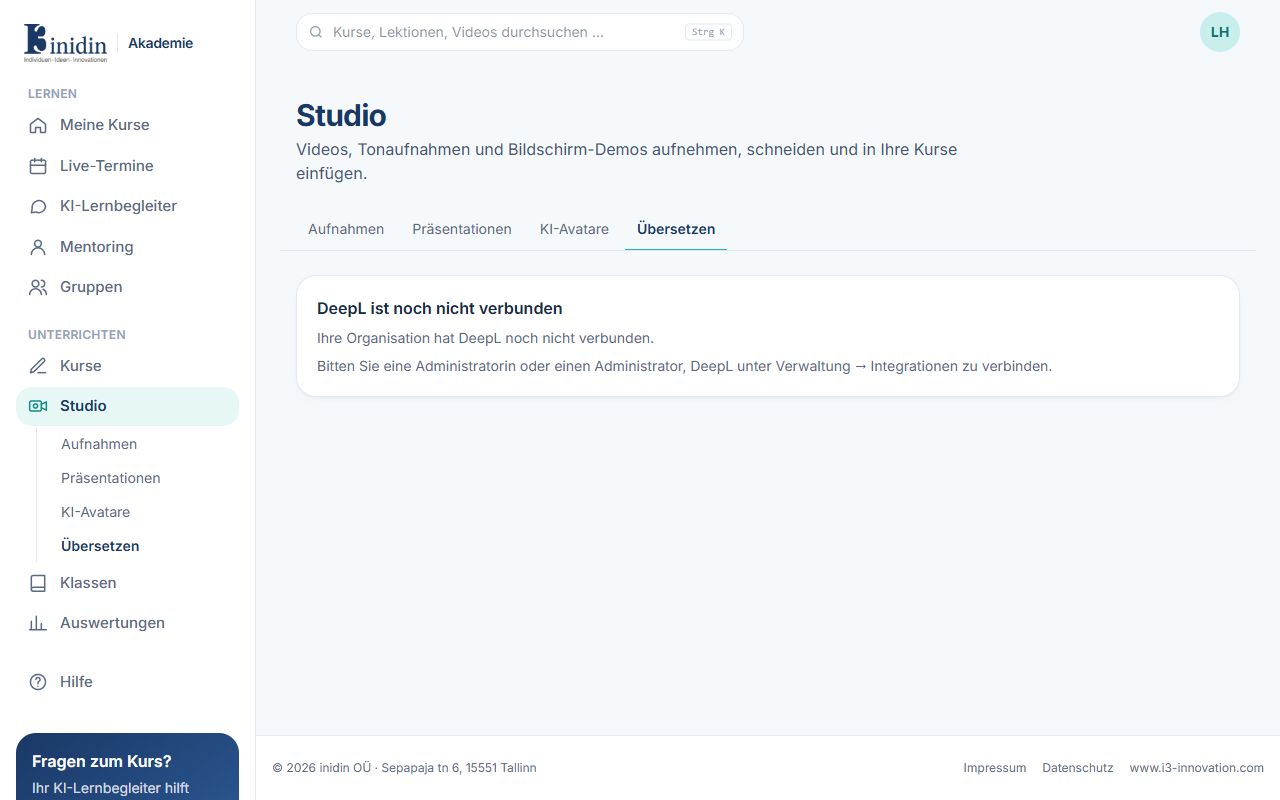
Translate texts on demand and whole documents (PDF, Word, PowerPoint, Excel, text, HTML) with their layout, using DeepL. DeepL must be connected under Manage → Integrations.
Fields and buttons
Section titled “Fields and buttons”- From / Into: Source language (or detect) and target language.
- Tone: Formal or informal, where the target language distinguishes them.
- Keep Markdown: Code, links and formatting stay as they are.
- Translate documents: Choose a file; download it when translated or, for PDFs, save it as a presentation.