Course editor: Settings
Where: Course editor → “Settings” tab
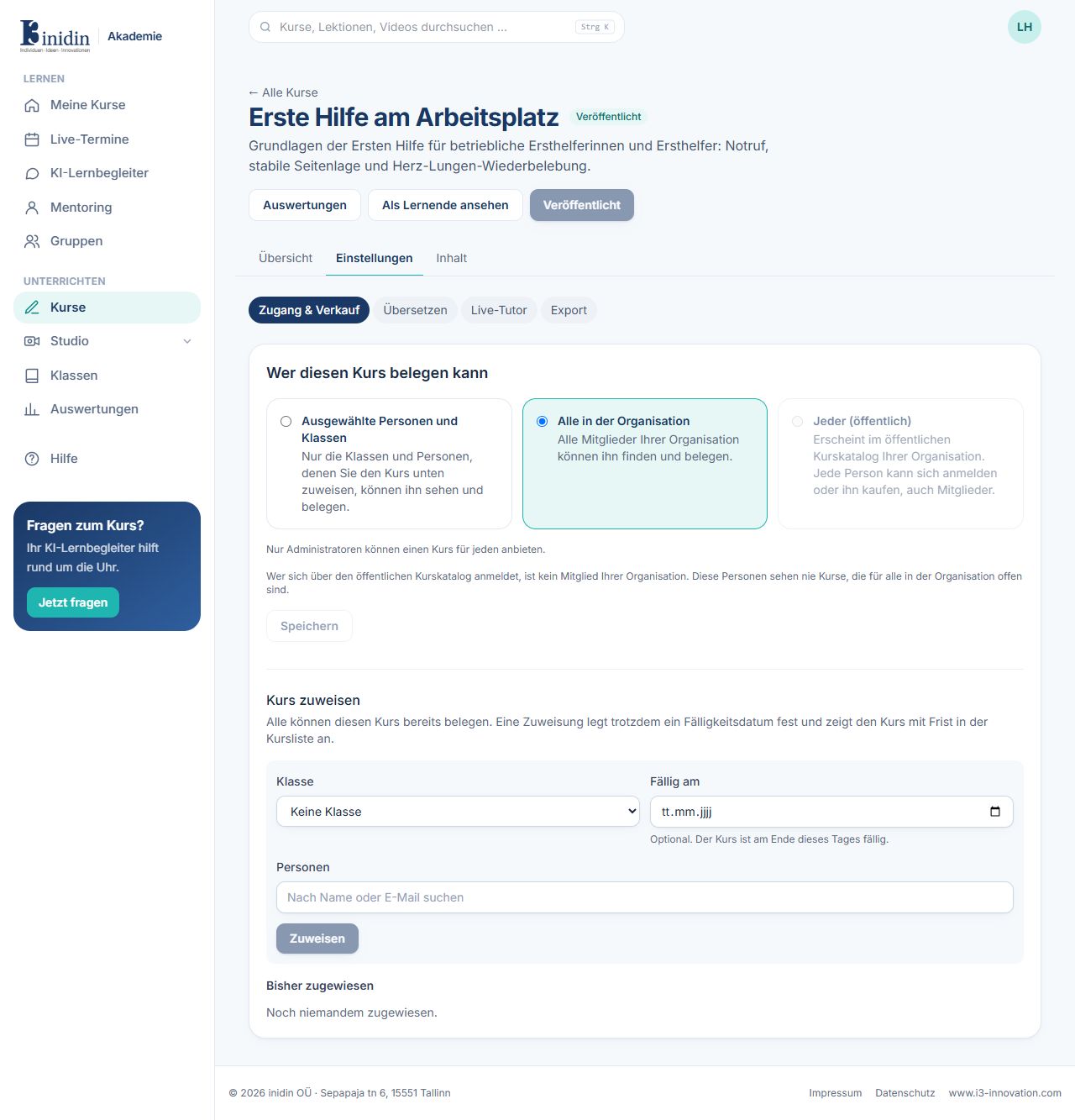
Settings come in four parts: access & sales, translate, live tutor and export.
Fields and buttons
Section titled “Fields and buttons”- Access & sales → Who may take this course: Selected people and classes, everyone in the organisation, or anyone (public catalog, administrators only). Then “Save”.
- Access & sales → Assign the course: Pick a class and/or people and optionally a due date, then “Assign”. They see the course with its deadline.
- Translate: Copies the whole course into another language with DeepL, as a new draft. Videos get subtitles in the new language.
- Live tutor: A talking AI avatar (LiveAvatar) that answers from the course material: avatar, voice, language, minutes per session and per day.
- Export: Downloads the course as a cmi5 package for other learning platforms.