Studio: AI avatars
Where: Studio → AI avatars
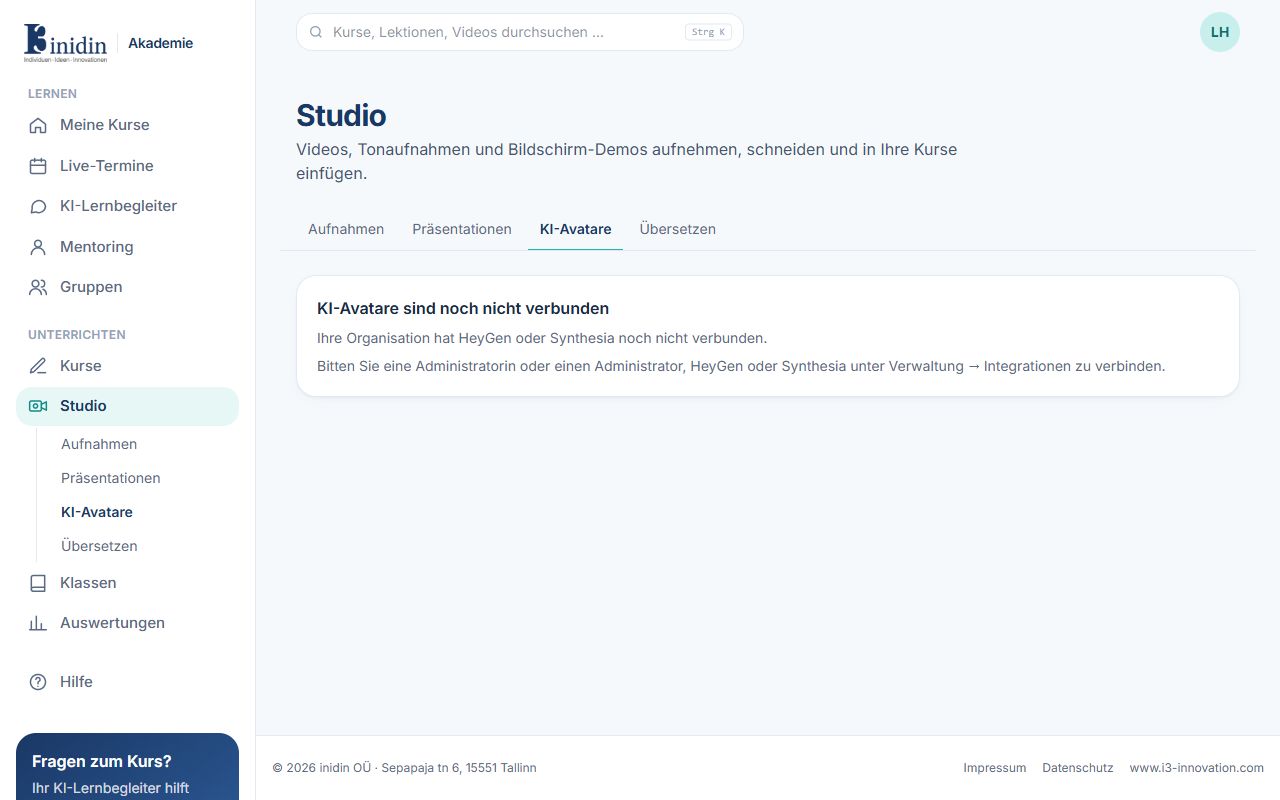
Make videos with a talking AI avatar from HeyGen or Synthesia. The tab works once an administrator has connected the provider under Manage → Integrations.
How to
Section titled “How to”- Choose the provider and the kind: avatar video, from a template, or Video Agent.
- Per scene, choose an avatar and voice and write the script, or draft it with “Write the script from a lesson…”.
- Click “Make video” and confirm the cost.
- The job list shows progress; finished videos appear under Recordings, marked “AI-generated”.
- Video Agent: “Write the prompt from the first chosen presentation” writes a full brief (length, audience, look, scenes) you can change before starting. Optionally pick a HeyGen style or a brand kit. From a presentation (“Make a video”), pictures of the slides go along as material too.