Course editor: Content
Where: Course editor → “Content” tab
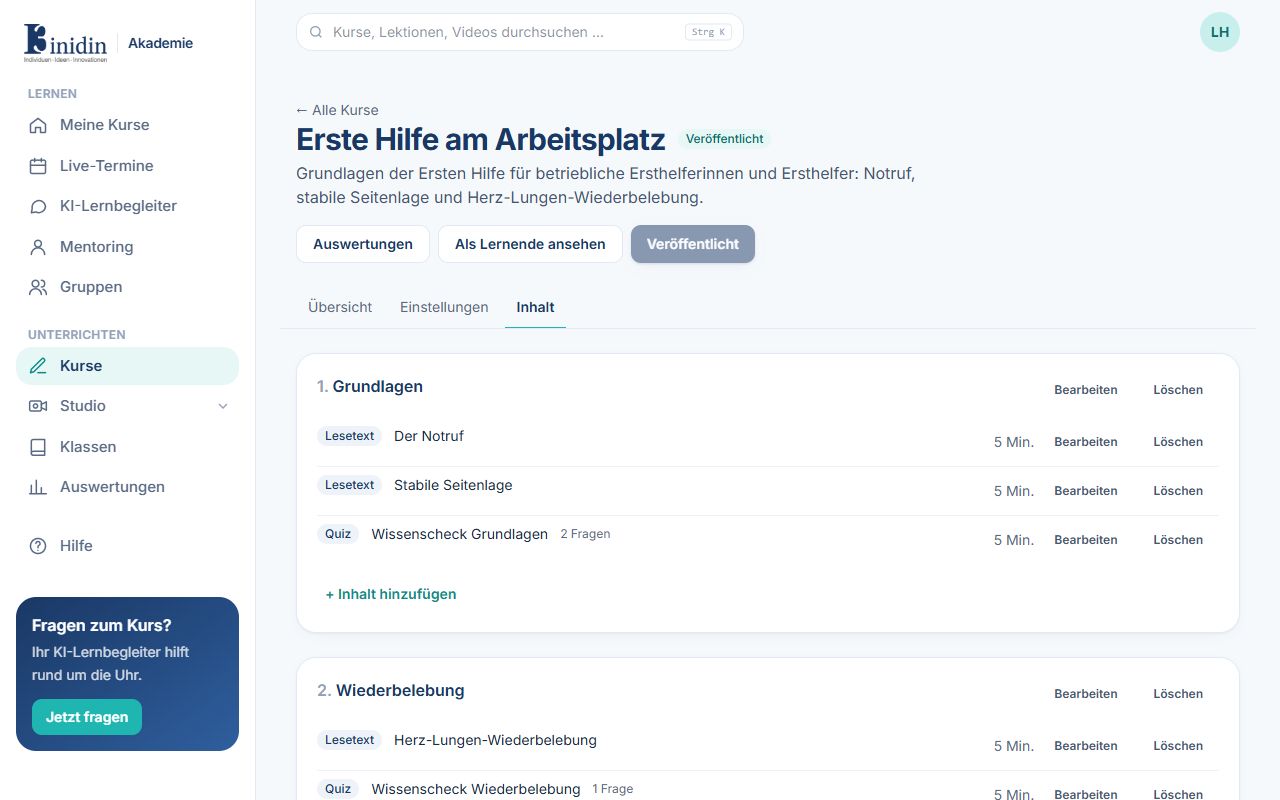
A course has sections, and each section has items (lessons). Change their order and titles here.
How to
Section titled “How to”- At the bottom, add a section with “New section” → “Add section”.
- In the section, click “+ Add item” and choose its kind.
- “Edit” changes a section or item, “Delete” removes it.
- Under “Handouts”, add files to download (PDF, Office files, pictures, text, ZIP; up to 100 MB). Everyone who may take the course finds them on the course page and under Downloads.