Following up open live questions
Where: Menu → Learn → Live sessions → “questions to follow up”
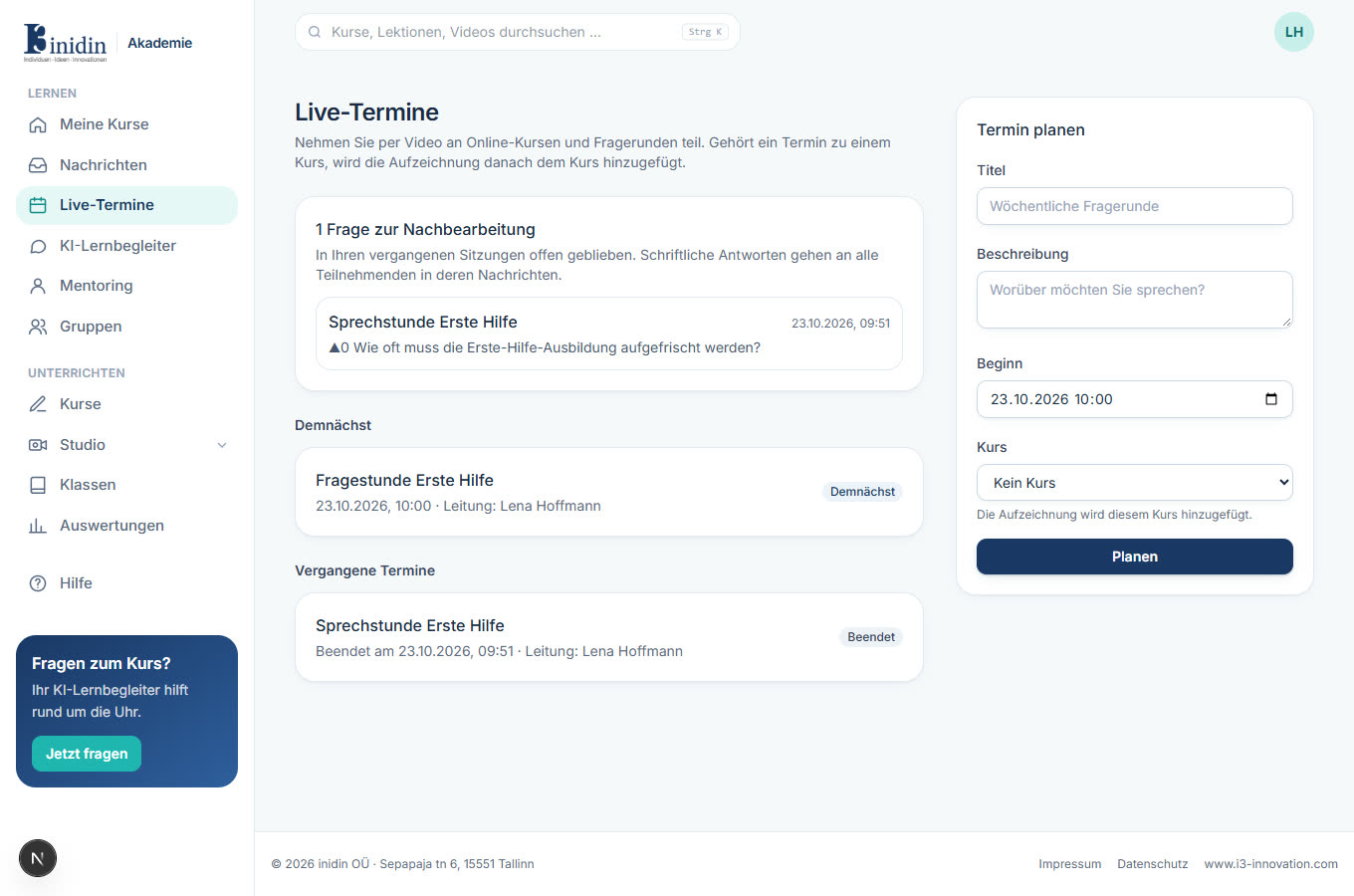
In a session you answer questions aloud or in writing. Written answers go to everyone who took part, in their messages. What’s left open collects at the top of the Live sessions page afterwards.
How to
Section titled “How to”- Click the session in the “questions to follow up” box.
- Write the answer below the question and click “Send answer to everyone”. If there’s an AI draft, check and edit it, then click “Publish answer”.
- If you answered it aloud already, click “Answered aloud”; “Dismiss” removes it.