The “Teach” area
Where: Menu → Teach
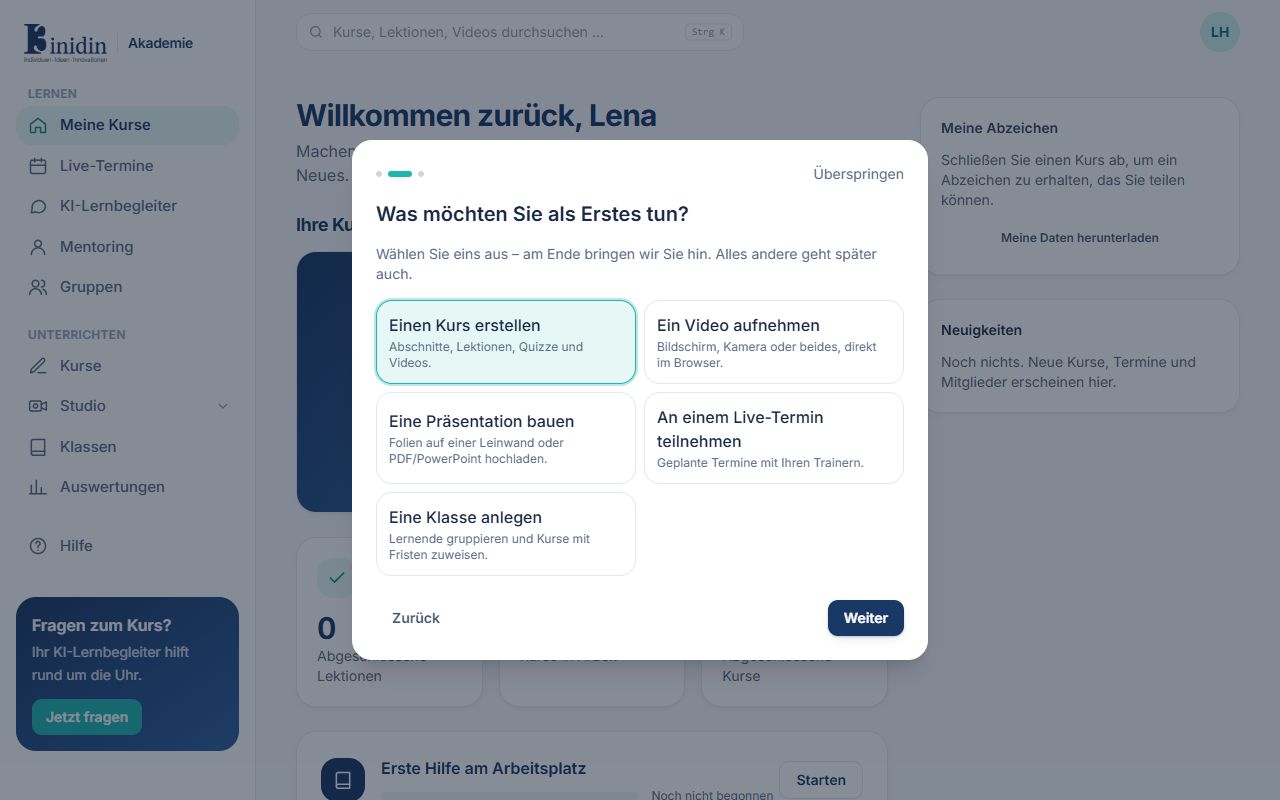
As a trainer you see the same under “Learn” as learners, plus the “Teach” area.
Fields and buttons
Section titled “Fields and buttons”- Courses: Every course you may create and edit, with the course editor.
- Studio: Recordings, editing and AI avatars. The arrow next to “Studio” shows its three pages.
- Presentations: Design presentations on a canvas, upload PDFs or import PowerPoint.
- Translate: Translate texts and documents into other languages with DeepL.
- Whiteboard: Boards for sketching and explaining, to prepare lessons and live while teaching.
- Diagrams: Mind maps, flowcharts, org charts and concept maps made of nodes and lines.
- Classes: Group learners and assign courses with due dates.
- Insights: How learners are doing, where they get stuck and what AI help costs.