Rating a course
Where: Course page, once every lesson is done
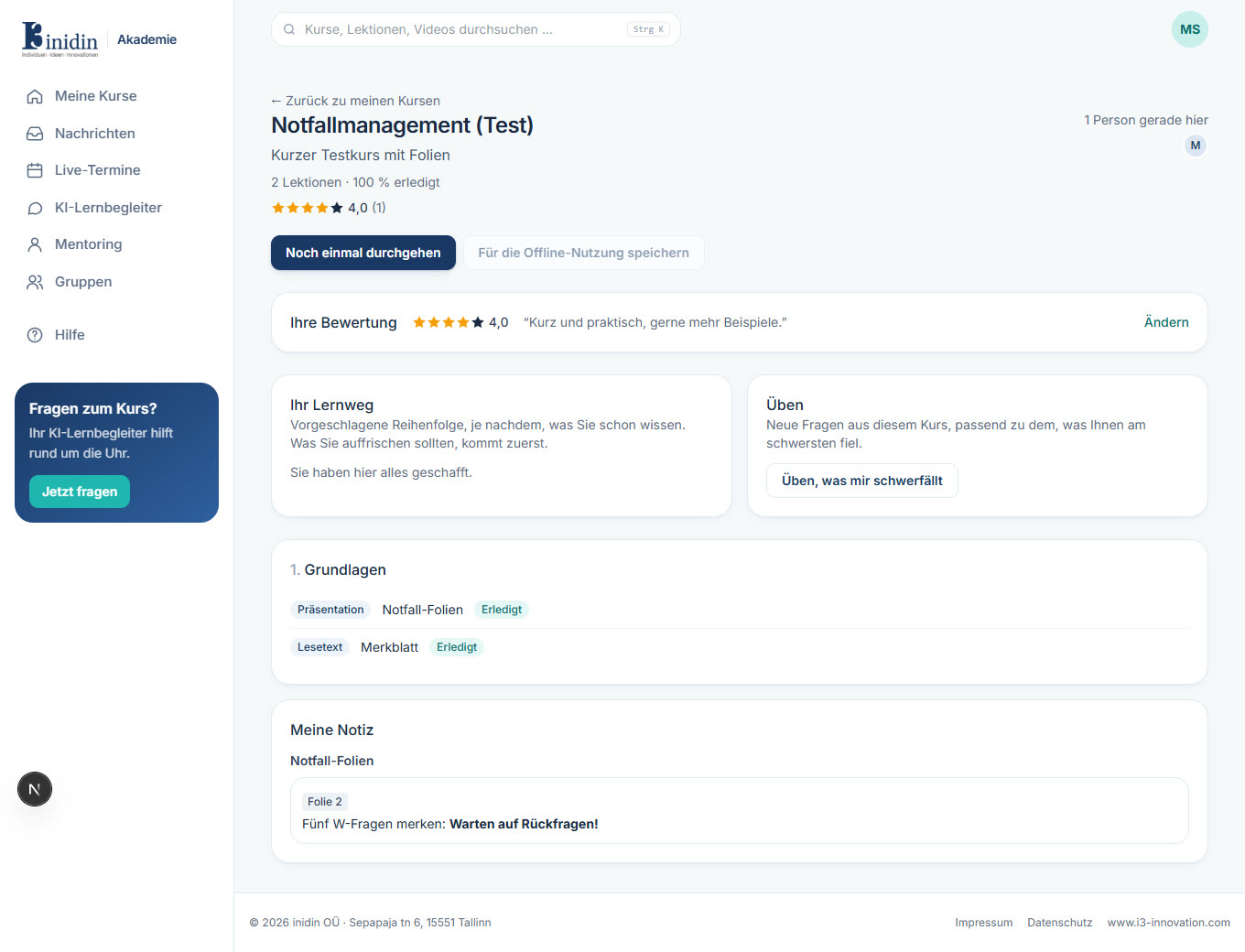
When you’ve finished every lesson of a course, the course page asks “How did you like this course?”. Give one to five stars and, if you like, a comment. The average shows in course lists and the public catalog; your trainers read comments without your name.
How to
Section titled “How to”- Click the number of stars.
- Optionally write what was good and what could be better.
- Click “Save rating”. “Change” lets you adjust it later.