Overview
Where: Menu → Overview
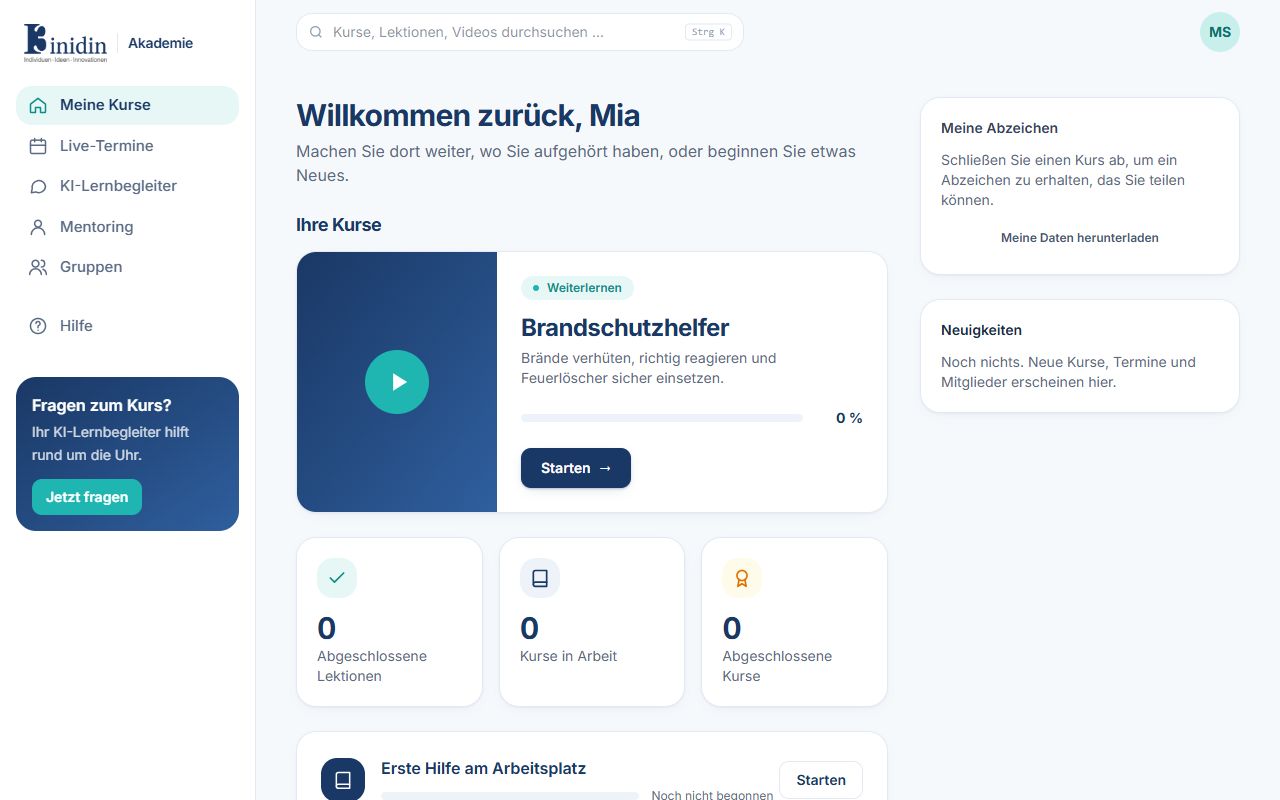
Your start page. At the top is the course you worked on last, below it your progress and every course open or assigned to you. Courses with a due date show it.
Fields and buttons
Section titled “Fields and buttons”- Continue learning: Opens the next lesson of the course you worked on last.
- Lessons done / Courses in progress / Courses done: Your progress at a glance.
- Start: Opens a course you haven’t started yet.
- My badges: Finished courses earn a badge you can share.
- News: New courses, sessions and members of your organisation.