Mentoring
Where: Menu → Learn → Mentoring
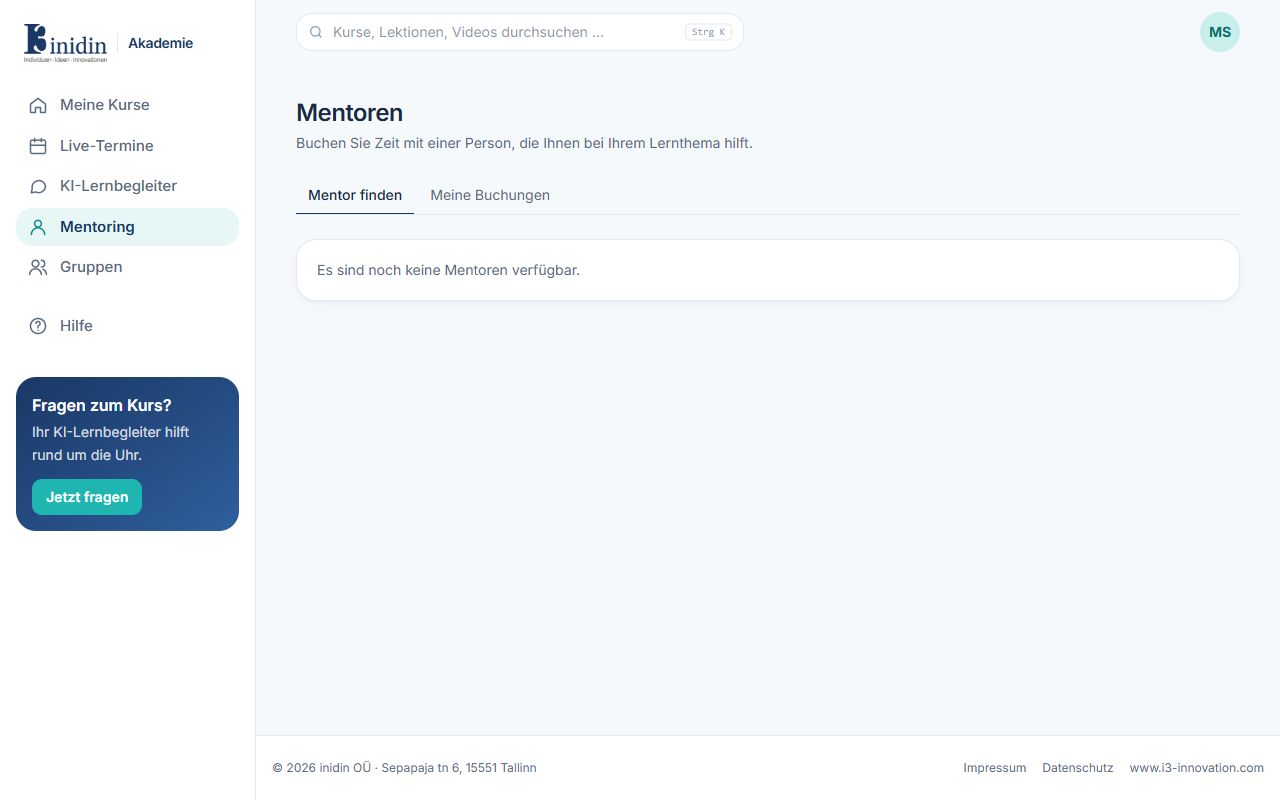
One-to-one support from a mentor. Your first booking opens a private workspace for the two of you, and every later appointment with the same person continues in it.
How to
Section titled “How to”- Open “Find a mentor”, pick a free time and say what you’d like help with.
- After booking you land in your workspace. The appointment is under “Appointments”.
- At the time of the appointment, click “Join the next appointment”: the usual live room opens, for the two of you only.
- Book the next appointment right in the workspace, from your mentor’s free times.
- Some mentors are booked through a package (for example six appointments): take a free one, or book and pay a paid one. Its appointments go to your workspace; a cancelled appointment goes back to the package.
Fields and buttons
Section titled “Fields and buttons”- My mentorings: One card per mentoring, with the next appointment. Archived mentorings stay readable.
- Find a mentor: All mentors with their topics and free times.
- Overview: The goal of the mentoring (either of you can write it down), the next appointment and the next steps from the last one.
- Video and voice calls: Call each other at any time from the workspace. The other person’s Academy rings, wherever they are; they answer or decline. The call opens the usual live room, for the two of you only, and is never recorded. A voice call starts with the camera off.
- Chat: Write to each other, also between appointments. If you are not online, you get one email per batch of new messages (it says who wrote, not what).
- Tasks: What each of you takes on, with a due date and a milestone. Either of you adds tasks, for yourself or the other, and ticks them off.
- Courses: Courses your mentor assigned to you (you get access right away), with your progress. Suggest a course yourself; it counts once your mentor assigns it. Your mentor sees your progress in these courses only, never your test answers.
- Milestones: The stages of the mentoring, set by your mentor. Their progress follows the tasks and courses that belong to them.
- Appointments: Book, join, add to your calendar or cancel. Your mentor’s notes appear under each appointment.
- Documents: Write together at the same time (Markdown), with each other’s cursor, for example a learning journal.
- Whiteboards & diagrams: The Academy whiteboard and the diagram editor (mind maps, flowcharts, Kanban and more), saved as you go. The latest save wins: work on one board at a time, or together in a call.
- Files: Everything the two of you share, chat attachments included, up to 50 MB per file. Whoever shared a file, and the mentor, can remove it.