Asking your trainers a question
Where: In a lesson → side panel → “Ask”
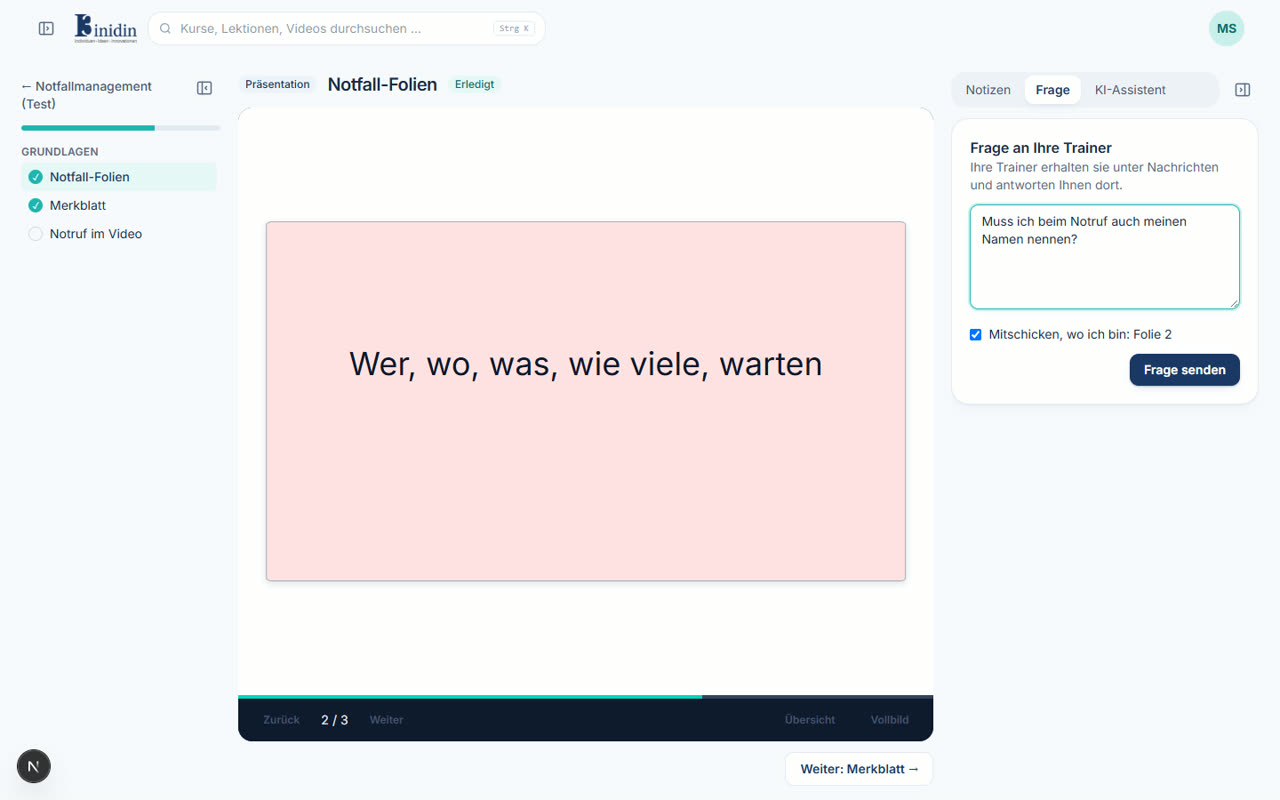
With the “Ask” tab you write to your course’s trainers right from the lesson. The question arrives with where you are: the slide of a presentation or the minute of a video. Your trainers find it under Messages and answer you there.
How to
Section titled “How to”- Go to the slide or the moment in the video your question is about.
- Open the “Ask” tab in the side panel on the right.
- Write your question. “Mention where I am” adds the slide or time; untick it for a general question.
- Click “Send question”. “Open the conversation” takes you straight to it.