Messages
Where: Menu → Exchange → Messages
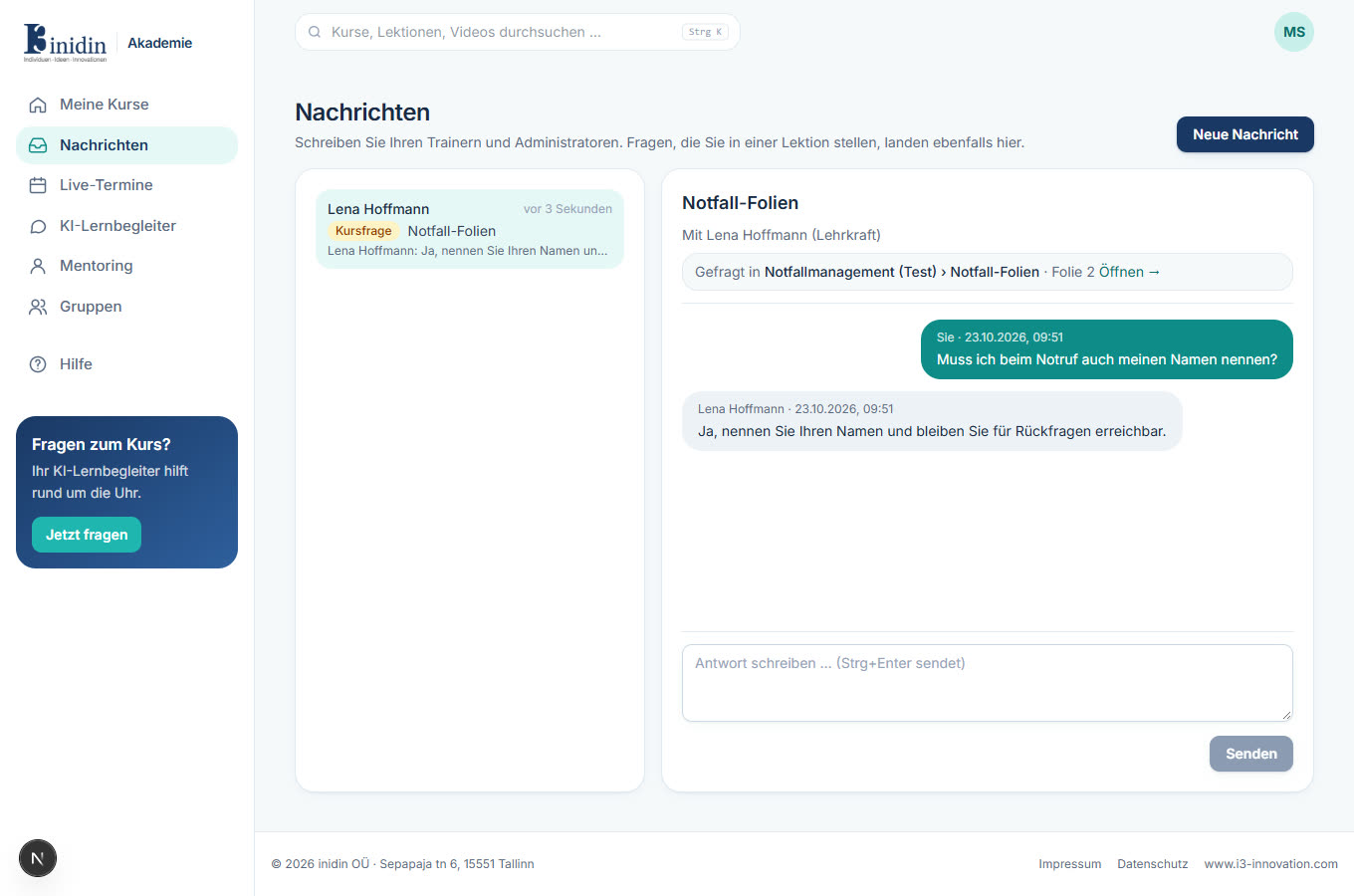
Here you write with your trainers and administrators. Answers to questions from lessons and written answers from live sessions land here too. The number in the menu counts unread messages; you also get an email when something new arrives.
How to
Section titled “How to”- Click a conversation on the left to read it.
- Write your reply at the bottom and click “Send” (or Ctrl+Enter).
- For a new message, click “New message”, find the recipient, enter a subject and write.
Fields and buttons
Section titled “Fields and buttons”- Course question: A question from a lesson. The box at the top links to the slide or moment in the video.
- Live session: Answers to questions from a live session, for everyone who took part. You can’t reply here; write a new message to follow up.