First steps
Where: Welcome wizard after signing up
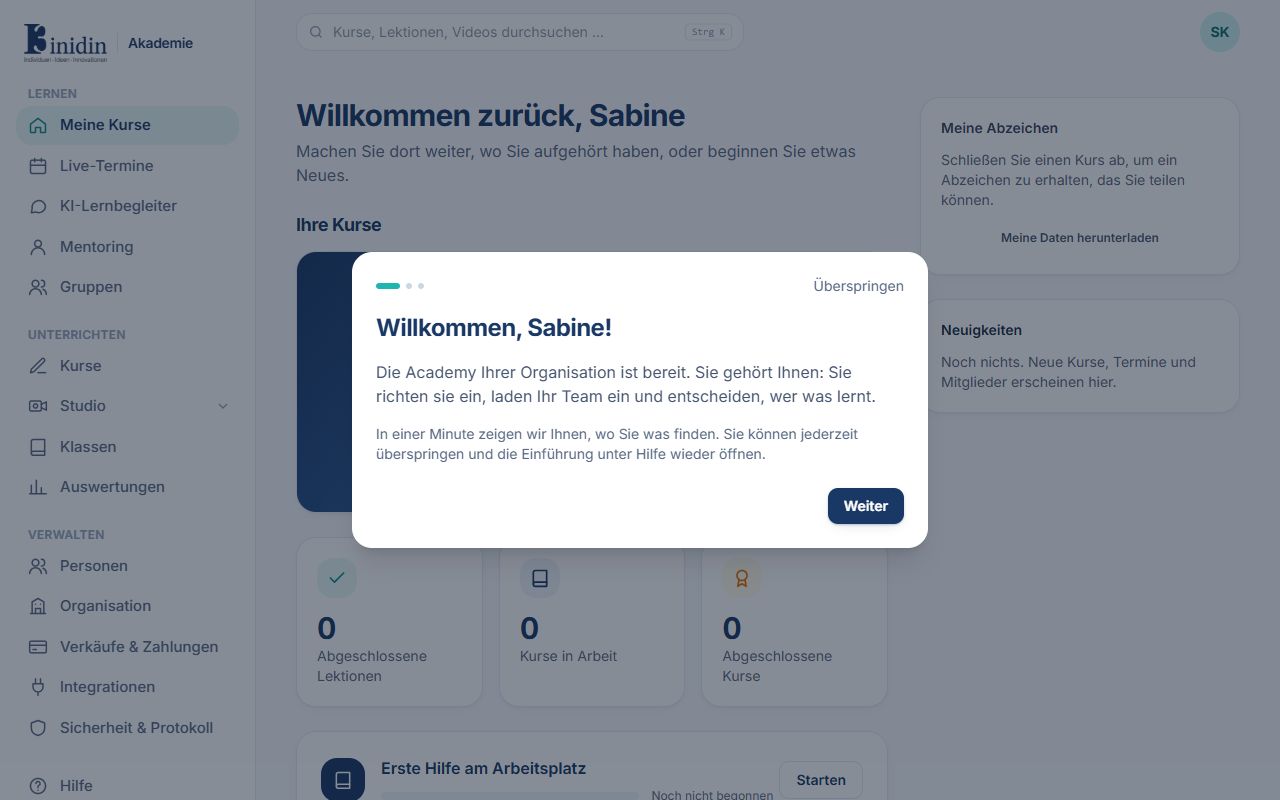
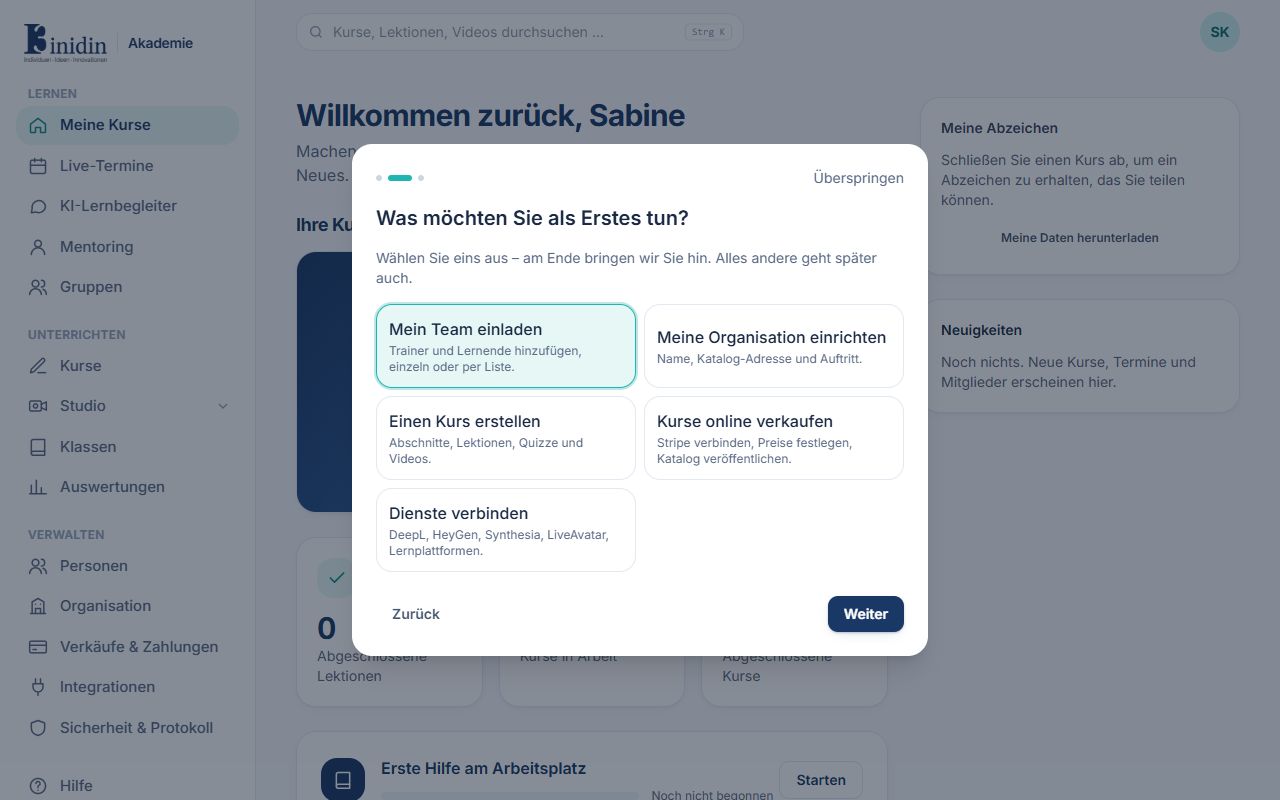
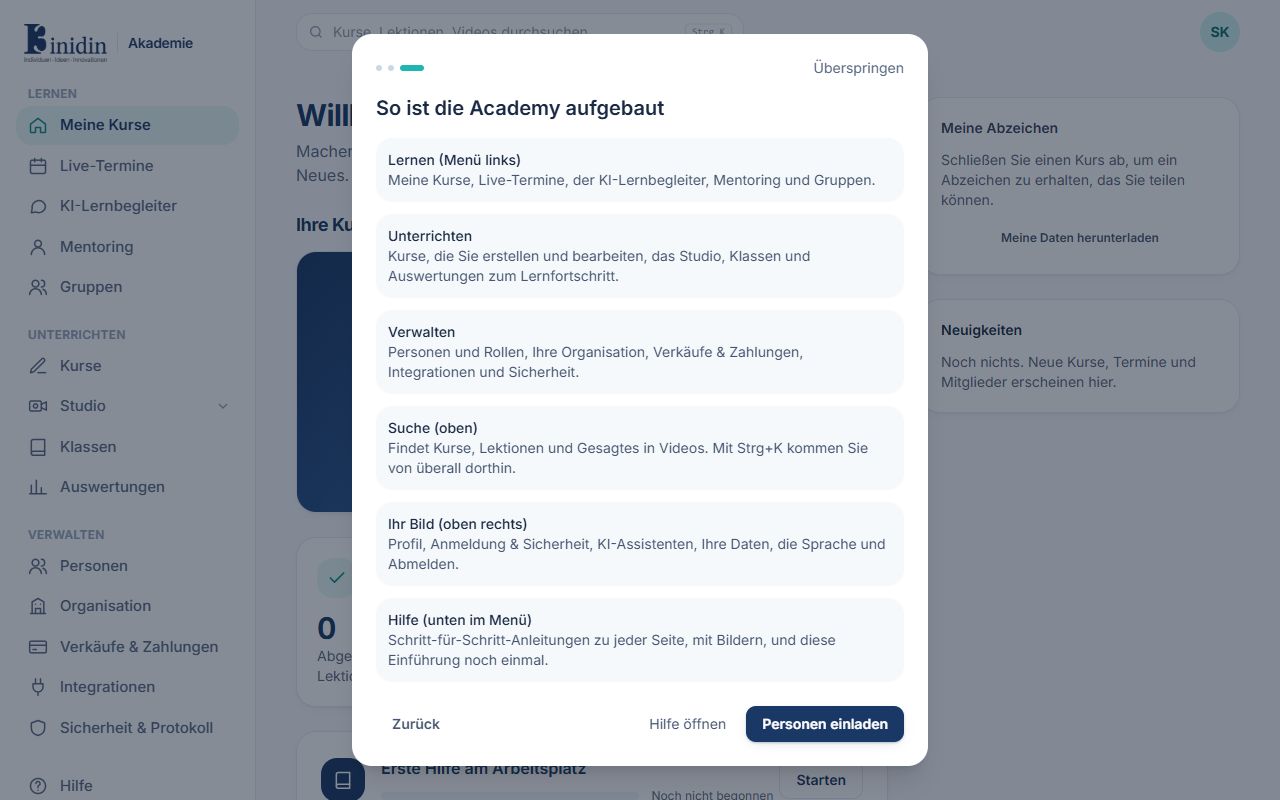
After creating your organisation, the wizard asks what you’d like to start with. A good order:
How to
Section titled “How to”- Organisation: check its name (Manage → Organisation).
- Invite your team: add trainers and learners (Manage → People).
- Create the first course, or have a trainer do it (Teach → Courses).
- Optional: sell online with Stripe (Finances → Sales & payments).
- For the AI features: connect your language model (Manage → Integrations → Language model). Only the AI learning companion runs on the platform’s AI, which the platform administrators set up.
- Optional: connect DeepL, HeyGen, Synthesia or LiveAvatar (Manage → Integrations).
Fields and buttons
Section titled “Fields and buttons”- Owner: Created the organisation and may do everything, including connecting learning platforms and destroying all keys.
- Administrator: Manages people, settings, sales and integrations and sees the activity log.
- Trainer: Creates courses and uses the Studio, classes and insights.
- Learner: Learns in the courses open to them.